Upgrade Guide
- Please backup all files and database before start the installation of updates (including language files if you are using custom_lang.php file to overwrite translation text) and review the changelog.
- You must install the previous versions to update the new version.
How to update
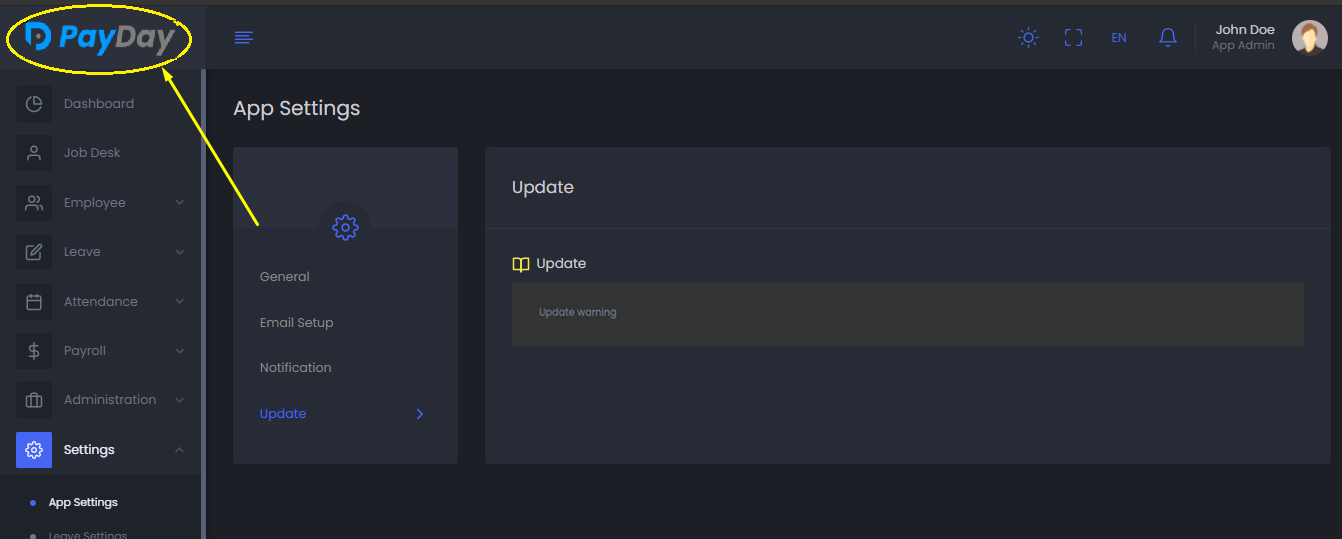
- Go to "Settings" > "App Settings" > "Update"
-
Now, you can see the current version of the application as well as the new versions (if any new upgradable version is available).

-
Just click on the new version icon to upgrade your application.
-
After that, click on the application logo (left side top) to go to the Home page.